
Todoist is very good at one thing: getting a task out of your head and into a list in under three seconds. That is a real skill and most tools do not have it.
The trouble starts afterwards. The task is now in a list, and everything that explains it — the note from the call, the draft, the research, the reason this matters — is somewhere else entirely. So you write the context twice, or you paste links between two apps and hope they stay true.
InventTasks puts the task in the same vault as the context.
What carries over#
| In Todoist | In InventTasks |
|---|---|
| Projects and sub-projects | spaces, folders and lists — real directories |
| Priorities P1–P4 | priorities, with your own colours |
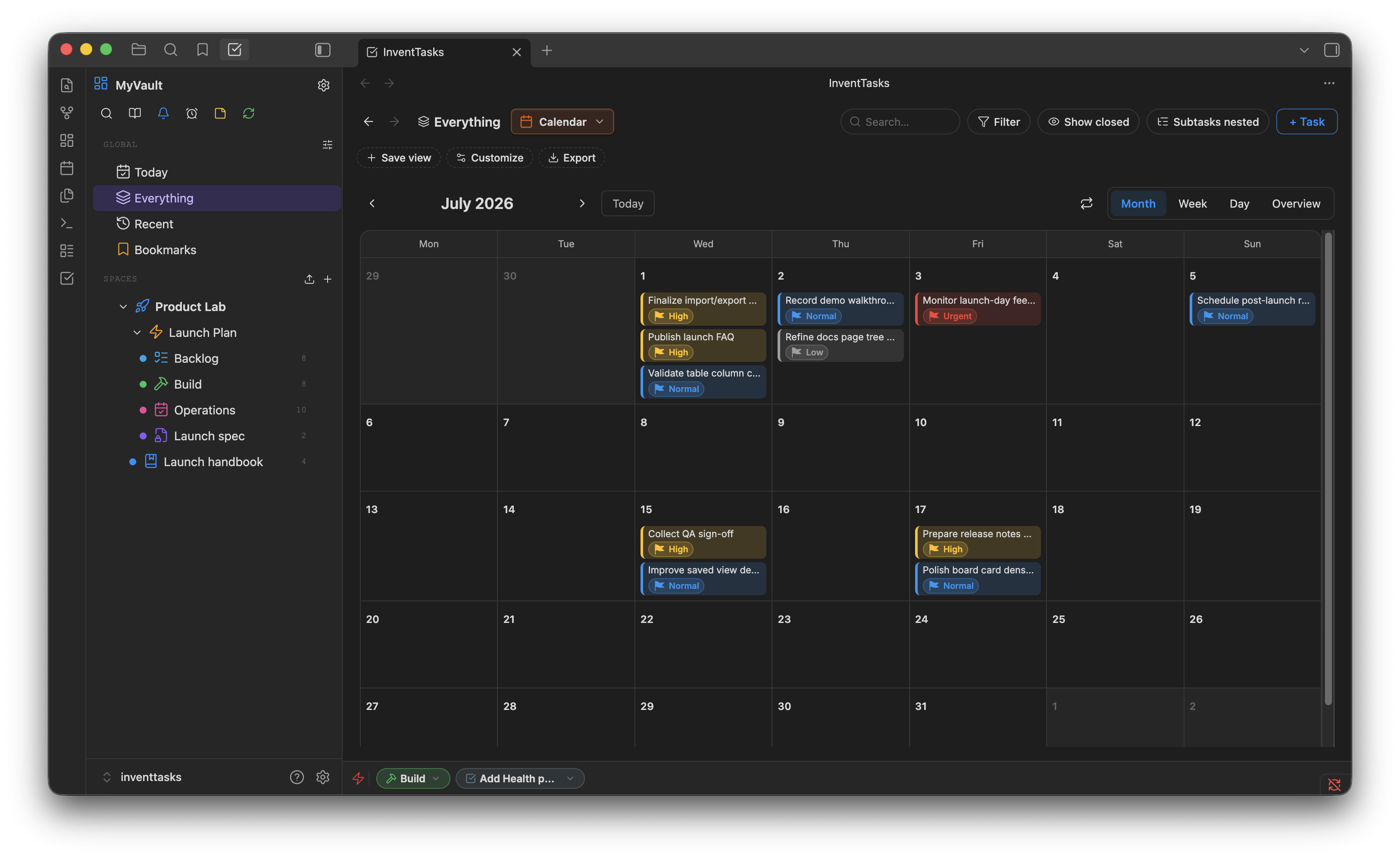
| Due dates and scheduling | due dates, start dates, and a calendar view |
| Recurring tasks | recurring tasks, rescheduled when you close them |
| Sub-tasks | subtasks and dependencies |
| Labels and filters | labels, plus filtering and grouping in every view |
| Reminders | notifications, including desktop and self-hosted ntfy |
| Comments on a task | the task is a note — write in it |
What you don't give up#
- Your files. Every task is a Markdown note. No account, no row in someone else's database.
- The context. A task sits next to the meeting note that produced it, and Obsidian's backlinks and search work on both.
- Offline. There is nothing to be logged in to.
- The exit. Stop using the plugin and the notes remain readable.
For the same list on your phone and your laptop, the self-hosted sync server is free and runs on your own machine.
What Todoist does that this does not#
Be honest with yourself about these before switching.
- No natural-language quick add. Typing "pay rent every 1st at 9am" will not parse itself into a schedule. You pick the dates.
- It is single-user. No shared projects, no assigning to anyone, no collaborators.
- No email forwarding or browser-extension capture. Capture happens in Obsidian.
- No gamification. There is no karma score and no streak to protect.
If the three-second capture is the whole reason you use Todoist, keep using Todoist. This is for people whose tasks keep needing the note attached.
Where the data lives#
---
id: TSK-00311
title: Renew the domain
status: todo
priority: 1
due_date: 2026-11-02
recurring: { every: year }
tags: [admin]
---

Registrar login is in the password manager, not here.
Which means your list survives Git history, grep, Obsidian search, your own
scripts — and this plugin being uninstalled.
Start on the free version: 50 open tasks across 5 lists, no account and no card.